All we need to begin the 3D Concept Design stage are the measurements of your existing property.
To get these measurements we recommend installing the 3D Scanner App with your smart phone or tablet. Surveying your home with this app is quick, simple, and ensures accurate data for your project without the need for us to travel to your home – saving you time and money!
If you don’t have a smart phone or tablet, or would simply prefer us to carry out the survey in person, we can arrange to visit your home at a time of your convenience, charging only for our travel!
How it works
Step 1
Download the App
We recommend downloading the 3D Scanner App to your smartphone or tablet using the App Store for Apple devices, or the Google Play Store for Android devices - don't worry, it's free!
Step 2
Start Scanning
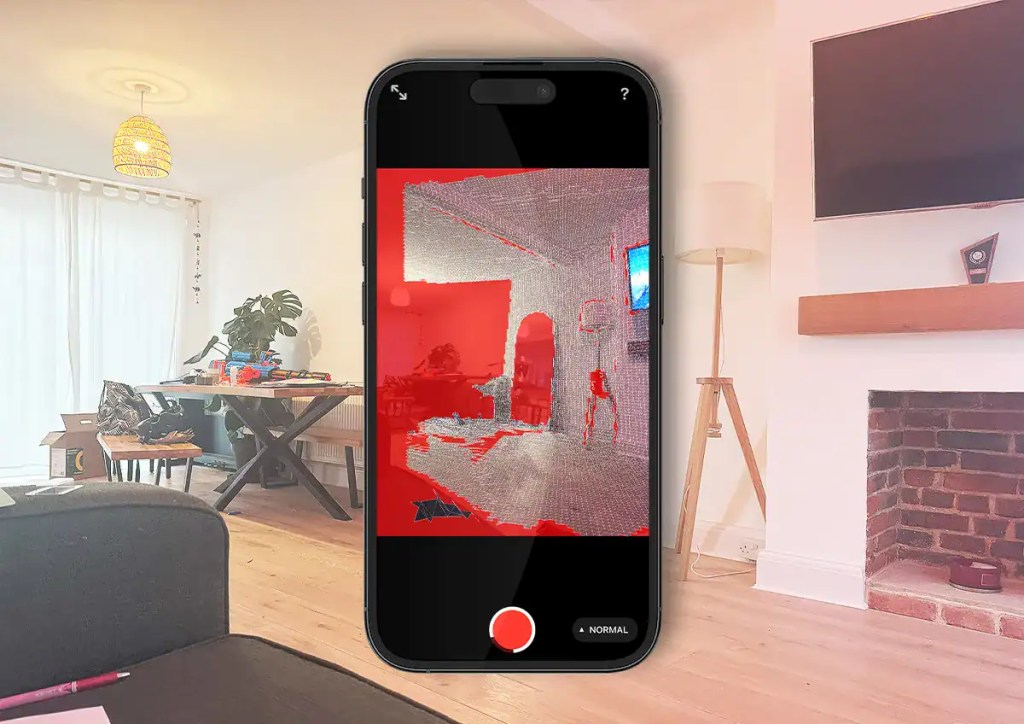
Simply open the app and press the red button to begin a new scan. Carefully move your device around each room, capturing everything which still appears red. Once complete, press the button again and process the scan.
Step 3
Share Your Scan
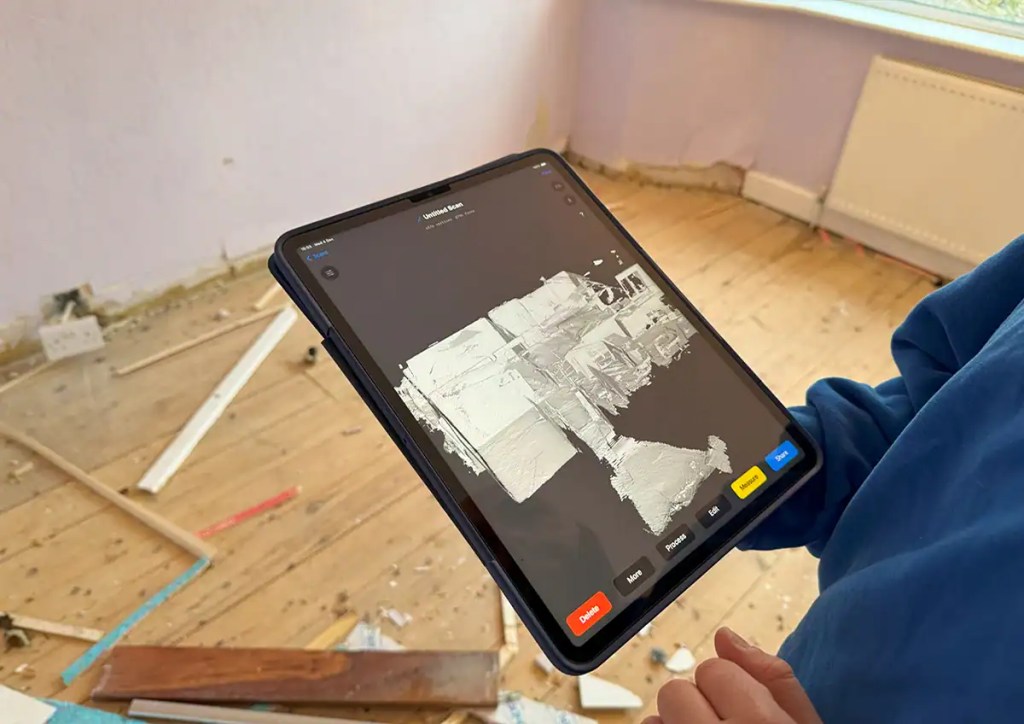
When your scan is complete, save it and use the app's sharing feature to send it directly to our team. Follow the prompts to share via email or a cloud link provided by the app. That's all, we now have everything we need to begin drawing!
3D Scanner App
We recommend installing the 3D Scanner App from the Apple Store for Apple devices or the Google Play Store for Android devices.
This 3D LiDAR scanning app uses your smartphone or tablet’s camera and built-in sensors to capture the physical dimensions and shapes of your home.
The app uses your phone camera to take multiple images of the space from different angles, which is then processed with all of the recorded depth information, stitching everything together to form a digital 3D model.
As you move around your home with the app, it shows you a live preview of what’s been captured, so you can see if you’ve missed any areas. Once you have scanned your home, you can save the finished model as a digital file which you can share with our design team.
As soon as we have received the scan of your home, we’ll import it into our Building Information Modelling (BIM) software and begin modelling your existing property. This will become the base for all future designs and drawings!